Quick start
Install Humation Flutter and show your first avatar.
Install
flutter pub add humation_flutterShow an avatar
A seed always draws the same avatar, so pass a user id, an email, or any string.
Here is a complete app you can paste into lib/main.dart and run:
import 'package:flutter/material.dart';
import 'package:humation_flutter/humation_flutter.dart';

void main() => runApp(const MyApp());

class MyApp extends StatelessWidget {
  const MyApp({super.key});

  @override
  Widget build(BuildContext context) {
    return const MaterialApp(
      home: Scaffold(
        body: Center(
          child: HumationAvatar(seed: 'felix', size: 160),
        ),
      ),
    );
  }
}
The rest of this page shows just the HumationAvatar widget; drop it wherever
you need an avatar.
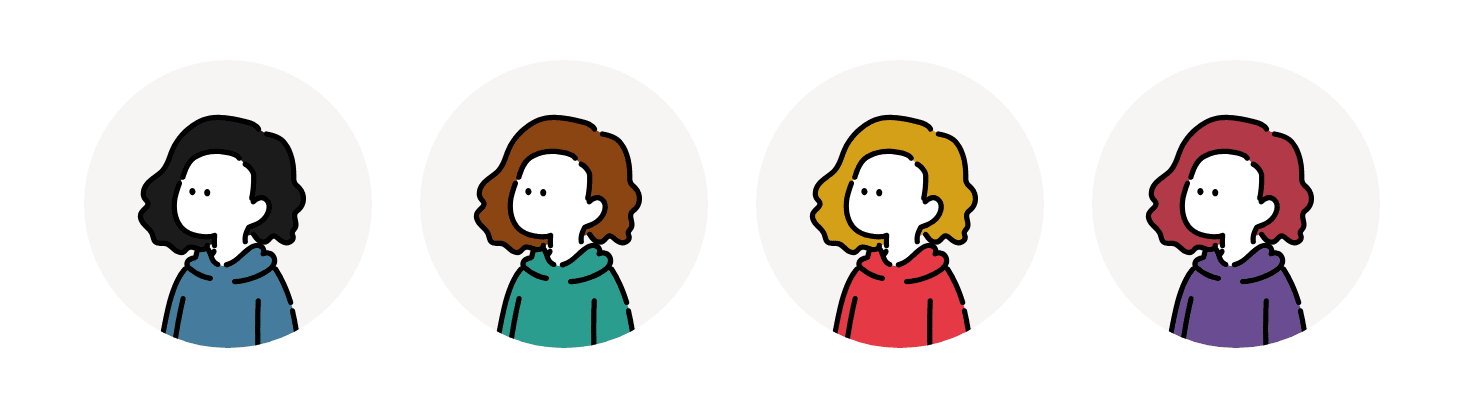
Pick parts and colours
Slot names are constants; colours take a Flutter Color or a hex string:
HumationAvatar(
  selections: {HumationSlot.head: 'wavy-medium', HumationSlot.body: 'hoodie'},
  colors: {HumationColorSlot.hair: Colors.brown},
  size: 96,
);
In a list
HumationAvatar is a normal widget. Drop it anywhere:
ListTile(
  leading: ClipOval(child: HumationAvatar(seed: user.id, size: 40)),
  title: Text(user.name),
);
Next
- Installation covers Dart-only use and prewarming.
- Customizing covers building a part picker.
- Saving and exporting covers persistence and image export.